A single tap on the wrong text message can hand a stranger access to your bank account. Here is how the scam works, and how to catch it in time.
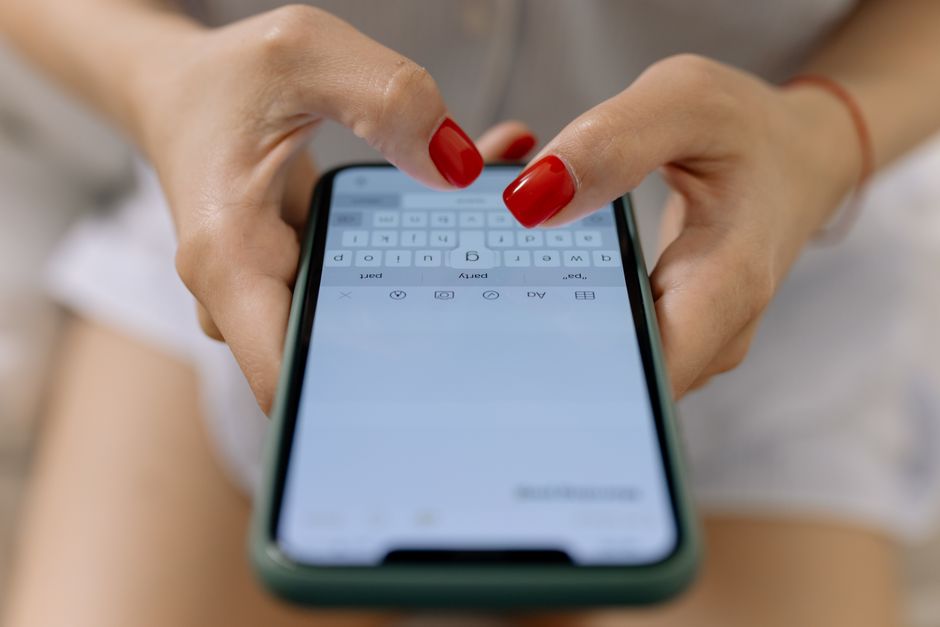
Why scammers prefer text over email
Text messages get opened within minutes far more often than email, and most phone screens hide the sender’s actual number behind a short display name, making impersonation easy. That combination of speed and disguise is exactly what a scammer wants when trying to catch someone off guard.
Spam filters that catch a large share of scam email rarely apply to text messages, so fraudulent texts land directly in your regular inbox next to messages from real contacts. This lack of filtering is a major reason text based scams, often called smishing, have grown so quickly.
Phones also make it simple to tap a link without a second thought, especially while multitasking or walking. Scammers count on that reflex, crafting messages designed to trigger a fast reaction rather than careful reading.
Text scams are also cheap to run at massive scale. A single scammer can blast thousands of messages an hour using automated software, needing only a small percentage of replies to make the effort profitable, which is why nearly everyone eventually receives one of these messages.
Warning signs hidden in a scam text
Urgency is the first tell. Messages claiming your account will be locked, a payment failed, or a package cannot be delivered unless you act within hours are designed to short circuit careful thinking. Real banks rarely demand instant action through a text link.
Look closely at the link itself. Scam texts often use a shortened URL or a domain that looks almost right but includes an extra word, a misspelling, or an unfamiliar ending. Genuine bank communications link back to the same domain you already recognize from their website.
Generic greetings are another clue. A text that opens with a vague greeting rather than your actual name, paired with a request to confirm personal details, is a strong sign the sender does not actually have your account information on file.
Pay attention to grammar and formatting too. While scam texts have gotten more polished over time, awkward phrasing, unusual punctuation, or a mismatched tone compared to how your bank normally communicates are still common red flags worth noticing.
Also notice the phone number the text came from. A legitimate bank alert typically arrives from a consistent short code used every time, while scam texts often come from a regular ten digit number or one that changes between messages.
Common scripts scammers rely on
The fake fraud alert script tells you unusual activity was detected and asks you to confirm or deny a transaction by replying or tapping a link. This preys on the fear of unauthorized charges and pushes people to act before verifying anything independently.
- A frozen account notice claiming you must verify your identity immediately to restore access
- A missed delivery notice asking for a small fee or address confirmation through a link
- A prize or refund notice claiming you are owed money if you click and enter your details
- A government benefit or tax message asking you to confirm banking information
Each of these scripts is built around the same core trick: manufacture a reason for urgency, then request information or a click that hands over access. Recognizing the pattern matters more than memorizing every possible wording.
What happens if you tap the link
Many scam links lead to a page built to look identical to your bank’s real login screen. Entering your username and password there sends them straight to the scammer, who can then log into your actual account within minutes.
Other links attempt to install malicious software on your phone that can read messages, capture keystrokes, or intercept the one-time codes banks send for verification. This is particularly dangerous because it can undermine two-factor authentication that would otherwise stop a scammer.
If you have already tapped a link and entered information, change your online banking password immediately from a separate, trusted device, then call your bank directly using the number on the back of your card rather than any number in the text.
Consider also checking whether your phone needs a security scan, especially if you downloaded anything after tapping the link. Removing a suspicious app or running a trusted security tool can catch software that slipped in quietly during the process.
Building a habit that stops smishing cold
Never tap a link in an unexpected text claiming to be from your bank. Instead, open your banking app directly or type the bank’s known website address into your browser to check your account status on your own terms.
Save your bank’s real customer service number in your contacts so you can quickly compare it against anything a text claims to be from. When in doubt, a short call confirms in minutes whether a message was legitimate.
Turn on transaction alerts through your bank’s official app so you learn about real activity directly from a source you trust, reducing the temptation to react to an unsolicited text in a panic.
Finally, report suspicious texts by forwarding them to your carrier’s spam reporting number and deleting them afterward. Reporting helps carriers identify and block scam campaigns faster, protecting other customers from the same message.
Share what you learn with family members who may be less familiar with these scripts, particularly older relatives who are frequently targeted. A short conversation about what a scam text looks like can prevent a costly mistake down the road.